Build trust before the click. Give people a reason to pay attention.
The affiliate problem
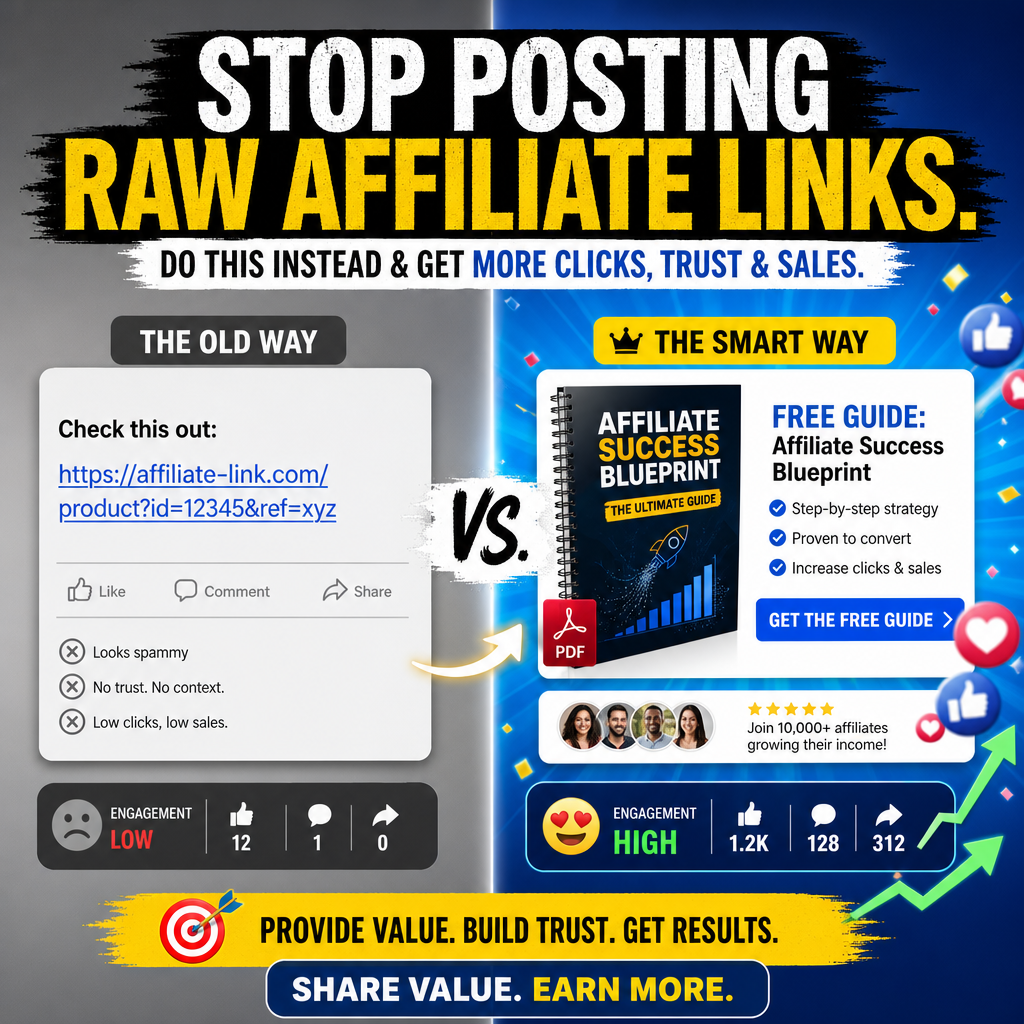
Raw links look spammy.
A bare affiliate URL gives people no reason to trust you. Social Affiliate PDF Creator helps you wrap your promotion in a helpful PDF angle, so your posts feel useful instead of pushy.
Post the link and hope.
- Low trust and no context.
- Hard to stand out in a busy feed.
- Little reason for people to click.
Lead with a PDF giveaway.
- More useful angle for your audience.
- Better trust before the affiliate offer.
- More assets to post, test, and improve.
What the software creates
One URL. One campaign. Multiple assets.
Use a product page link, your affiliate link, and your OpenAI API key to build a complete promo kit faster.
URL Analysis
Study a product page and fill in key campaign fields like product name, summary, benefit, audience, pain points, desires, and notes.
Social Posts
Create value-first post ideas for affiliate promotions, so you are not stuck staring at a blank screen.
Image Prompts
Generate ready-to-use image prompts for social graphics, ad-style creatives, and promo visuals.
Headlines + CTA Ideas
Build stronger hooks and calls to action using direct click-through, soft curiosity, urgent action, lead magnet first, or benefit-led styles.
Editable PDF Draft
Review, edit, add links, insert images, preview, and export your PDF draft from inside the app workflow.
Image Studio
Create promo images from your generated prompts or a custom prompt, then download them or insert them into the PDF draft.
Simple workflow
Build a promo kit in 3 simple steps.
Designed for beginner affiliate marketers who want useful content without building a full website first.
Paste your URL
Start with the product page URL. Use URL analysis to collect the basic product angle and campaign direction.
Add your affiliate link
Add the link people should click. Then adjust your audience, freebie angle, CTA style, tone, and brand style.
Generate your assets
Create social posts, image prompts, headlines, CTA ideas, your PDF draft, and optional Image Studio promo graphics.
Inside the app
Made for speed, clarity, and real workflow.
The page is built around campaign setup, campaign assets, PDF draft editing, Image Studio, saved projects, and settings. It keeps the internal request payload out of the user-facing screen and focuses on the assets you need to publish.
- Save and load project files.
- Keep a live browser draft while moving between pages.
- Use Settings for API key, model, and theme choice.
- Preview and download your PDF.
Affiliate Success PDF Draft
Visual style
Built to match bold, direct-response promo energy.
Use sharp contrast, deep blues, black, white, yellow, and electric green accents to match the ad graphics and keep the page easy to scan.
Value-first positioning
Shows the clear difference between a raw affiliate link and a helpful PDF giveaway.
Simple 3-step story
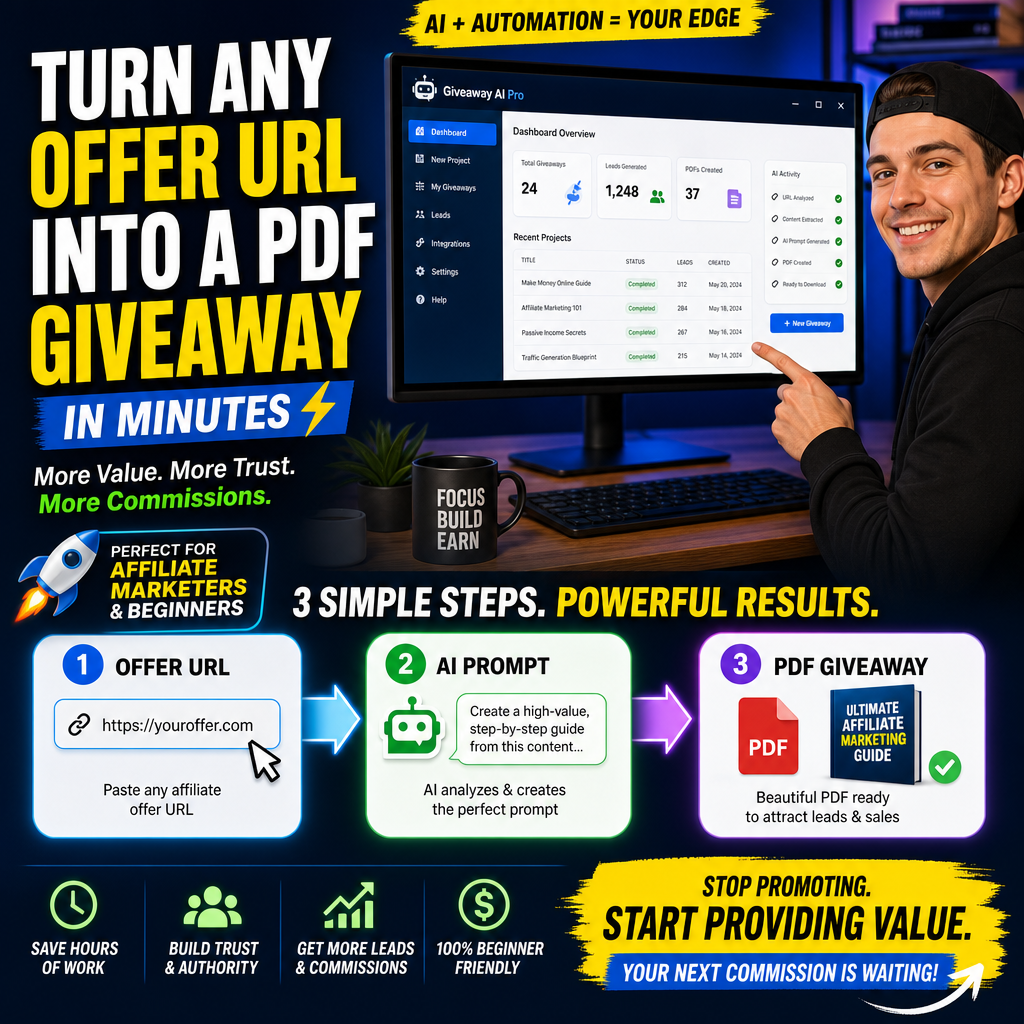
Explains the core transformation: offer URL, AI prompt, then PDF giveaway.
No website angle
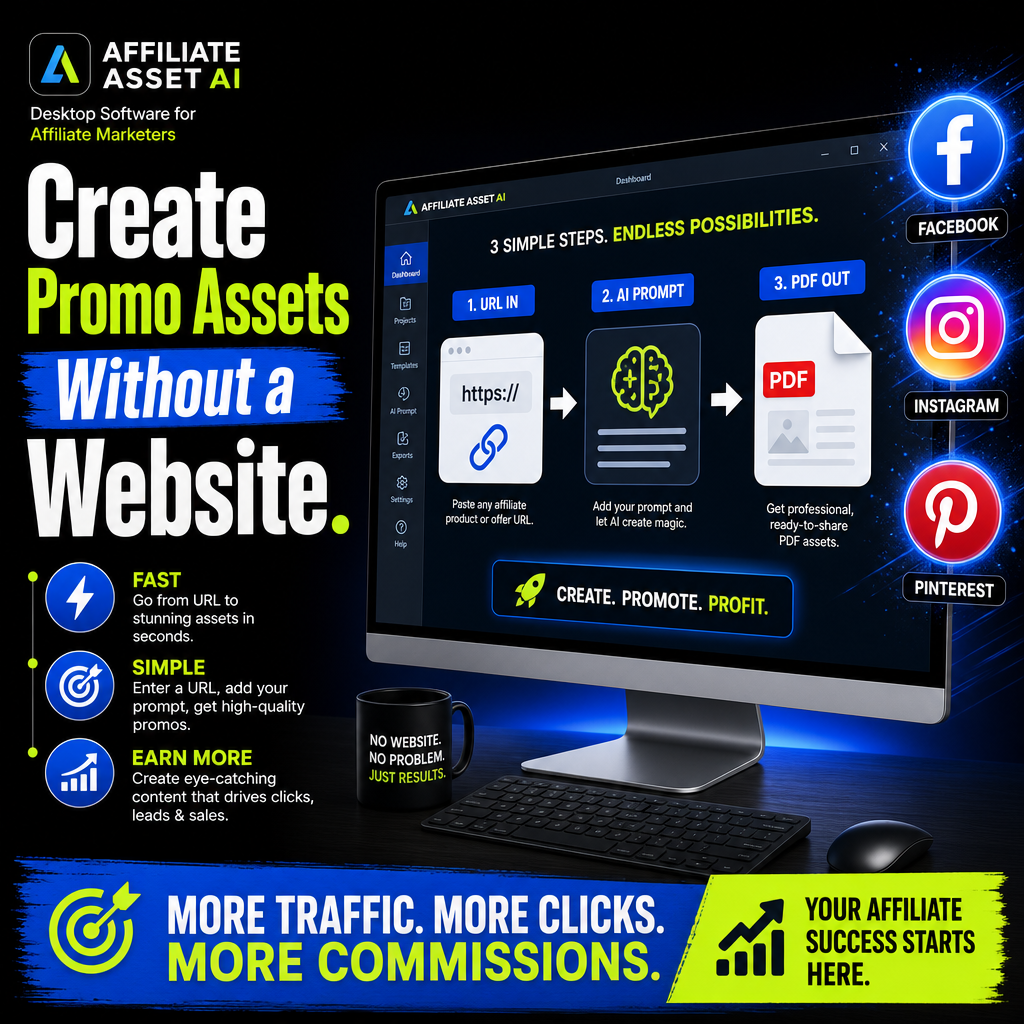
Positions the app as a fast way to create social promo assets for Facebook, Instagram, and more.
Who it helps
Perfect for affiliate marketers who need more than a link.
You can use it for software offers, training offers, digital products, tools, membership promotions, and any campaign where a helpful PDF can warm up the click.
Beginners
Get structure without needing advanced copywriting skills.
Social Sellers
Create posts and visuals that fit busy social feeds.
Email Promoters
Use a helpful PDF angle before sending people to an offer.
Fast Creators
Move from campaign idea to usable assets in less time.
Get the Windows app
Start creating PDF giveaways instead of posting bare links.
Replace weak link posts with a complete affiliate promo kit that gives people useful context first.
Launch special, FREE for a limited time..
- Best for affiliate marketers, beginners, and content creators.
- Use a lead magnet angle before the affiliate click.
- Review all AI-generated facts, claims, spelling, and links before publishing.
Questions
Frequently asked questions.
Do I need a website?
No. The page is built around the idea that you can create social promo assets and PDF giveaways without building a full website first.
Do I need my own OpenAI API key?
Yes. The app workflow uses your own OpenAI API key saved in Settings. The key lets the app analyze product URLs, generate campaign content, and create images.
Can I edit the PDF?
Yes. The PDF draft is editable. You can change text, add links, insert images, preview the PDF, and download it.
Can the software save my work?
Yes. Projects can be saved and loaded. The app also keeps a live browser draft while you work, but saving a project is the safer way to keep a full project file.
Should I review the generated content?
Yes. Always review product facts, claims, links, spelling, tone, and brand fit before you publish anything.
Final call
Stop promoting. Start providing value.
Turn your next affiliate offer into a useful PDF giveaway, social campaign, and visual promo kit.