
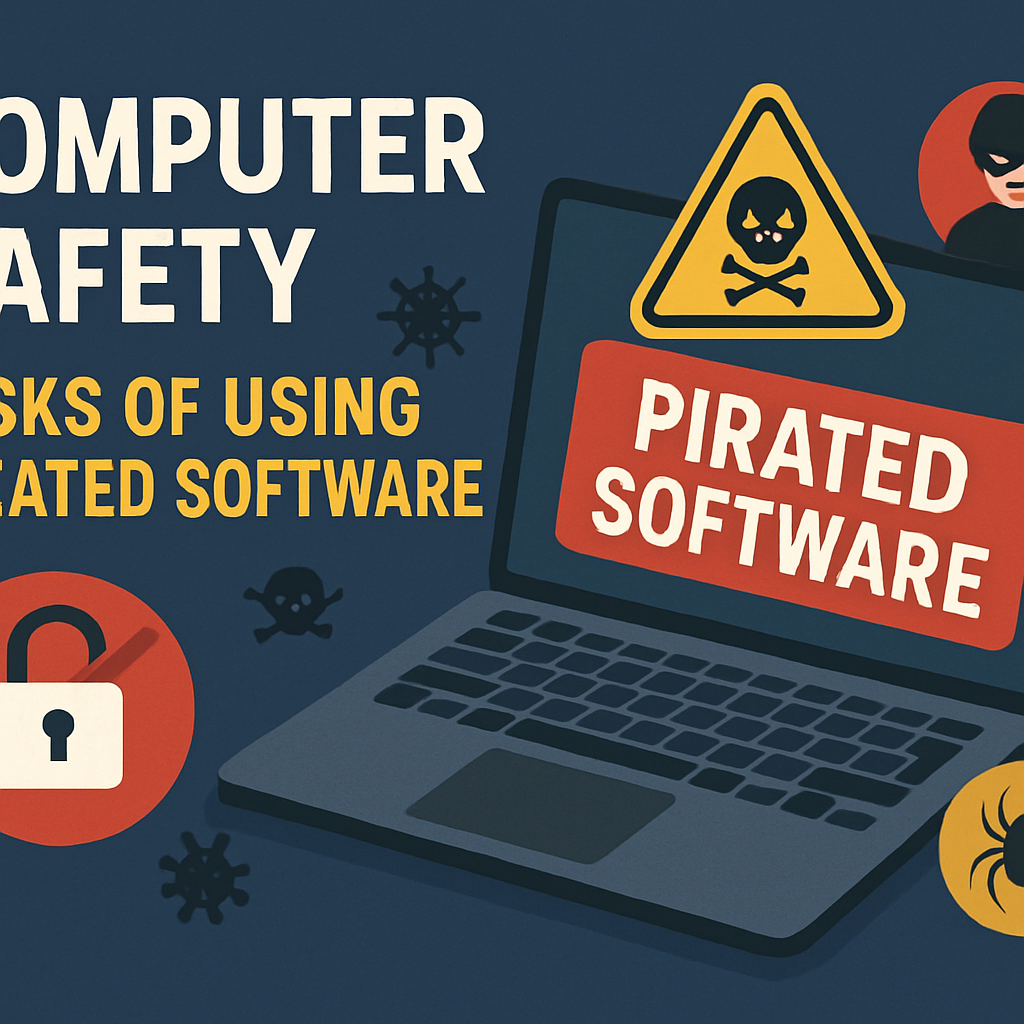
Pirated software remains a tempting option for many users due to its accessibility and cost-free nature. However, the risks associated with using unauthorized copies extend far beyond mere legal issues. Understanding these dangers is crucial for anyone who values their digital security and privacy. This article explores the common risks of pirated software, how it can compromise computer safety, ways to identify infected programs, and best practices to maintain a secure computing environment.
Understanding the Common Risks of Pirated Software
Pirated software often lacks the official updates, patches, and support that legitimate versions provide, leaving users vulnerable to software bugs and security flaws. Additionally, these unauthorized copies may be bundled with malware, spyware, or ransomware that can steal personal data, damage files, or hijack system resources. Using pirated software also exposes users to legal consequences, including fines or prosecution, as it violates copyright laws and software licensing agreements.
How Pirated Software Compromises Computer Security
When installing pirated software, users inadvertently open backdoors for cybercriminals to access their systems. These programs can carry hidden malicious code designed to bypass security measures, enabling hackers to monitor activities, capture keystrokes, or install additional harmful software. Because pirated software often disables security features or comes from unverified sources, it undermines the integrity of antivirus tools and firewalls, making the entire computer environment more susceptible to attacks.
Identifying Signs of Infected or Malicious Software
Users should be vigilant for unusual computer behavior that may indicate the presence of malicious software. Common signs include unexpected system slowdowns, frequent crashes, excessive pop-up advertisements, unauthorized changes to system settings, or unexplained network activity. Additionally, suspicious software installations that request excessive permissions or appear from unknown sources warrant immediate investigation to prevent further damage.
Best Practices to Protect Your Computer Safely
To ensure computer safety, users should always obtain software from official and trusted sources, keeping all applications up to date with the latest security patches. Installing reputable antivirus and anti-malware solutions, coupled with regular system scans, helps detect and remove threats early. Practicing cautious downloading habits, avoiding suspicious links or attachments, and backing up important data regularly are essential steps in maintaining a secure and reliable computing environment.
While the allure of pirated software may seem appealing, the associated risks to computer security and personal privacy are significant and far-reaching. By understanding these dangers, recognizing the signs of infection, and adopting responsible software practices, users can protect their systems from harm and enjoy a safer digital experience. Prioritizing legitimate software and security awareness remains the best defense against the threats posed by unauthorized software use.